INVITE

Just send the invite link
To invite someone to your group, send them a link and have them open it. If they don't have Recipick yet, the link takes them to the store.
iOS / Android · Free to start
If you're inviting
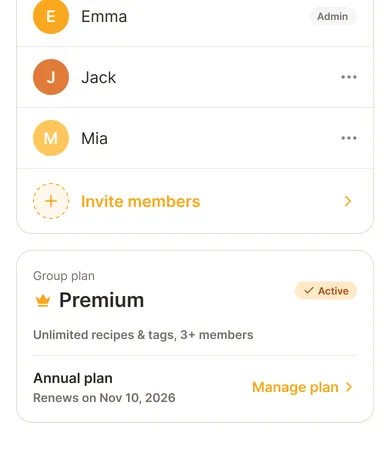
- Open the Group screen in the app
- Create an invite link
- Send it by message
If you were invited
- Open the link you received
- If Recipick is installed, the app opens. If not, download it from the store and sign up
- Join the group
Once you join, the group's recipes, tags, and meal plan calendar are visible to you too. What groups can do
If the link doesn't open the app on iPhone
In-app browsers (for example inside a messaging app) sometimes don't open the app automatically. Tap the "Open in app" button on the page the link leads to.
Members on the free plan
The free plan allows two members. For three or more, the admin subscribes to Premium and it applies to everyone. See pricing
Screen-by-screen steps are in the in-app help (Groups).

Start your shared
recipe book today.
Recipick is free to download.