Three steps to get started
Sign up, save one recipe, invite your partner. Once that's done, you can ask “what do you want for dinner?” through Recipick tonight.


iOS / Android · Free to start
1. Install and sign up
Download Recipick from the App Store or Google Play. On first launch, create an account with email, Google, Apple, or LINE. Your group is created for you.
2. Save one recipe
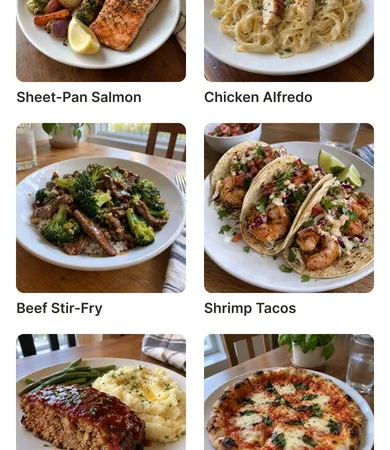
Start with something you cooked yesterday, or a regular favorite. A name and a photo are enough. Notes and links can come later. If you've created tags, matching ones are suggested from them based on the name and notes.
Tip: for recipes from social media or websites, paste the link. You'll open it from Recipick when you cook, so there's no need to copy the steps.
3. Invite your partner or family
Send the group's invite link by message. When they open it and sign up, you share the same recipe book. How to invite, in detail
After that
- Save dishes right after you cook them. That's the fastest way to grow the recipe book
- When you ask “what do you want?”, have them open Recipick, or name a tag to choose from
- On the weekend, fill the meal plan calendar so one shopping trip covers the week
Screen-by-screen steps are in the in-app help (Home and recipes).

Start by saving
one recipe.
Recipick is free to download.